At the cinema
New releases often have no subtitles in your language. Search the title, sync to a line you hear, and read along on your phone in the dark.

Your phone is a personal subtitle screen — at the cinema, or at home on Netflix, Disney+, Prime Video, and any TV show. Your language, no app to install.
↑ Search a title above to get started
New releases often have no subtitles in your language. Search the title, sync to a line you hear, and read along on your phone in the dark.
Play Netflix, Disney+, Prime Video, HBO, Apple TV+, or YouTube on the TV. Keep subtitles on your phone so they don’t cover the picture — or pick a language the stream doesn’t offer.
Choose a season and episode, then follow every line. Add an optional second language if you’re learning.
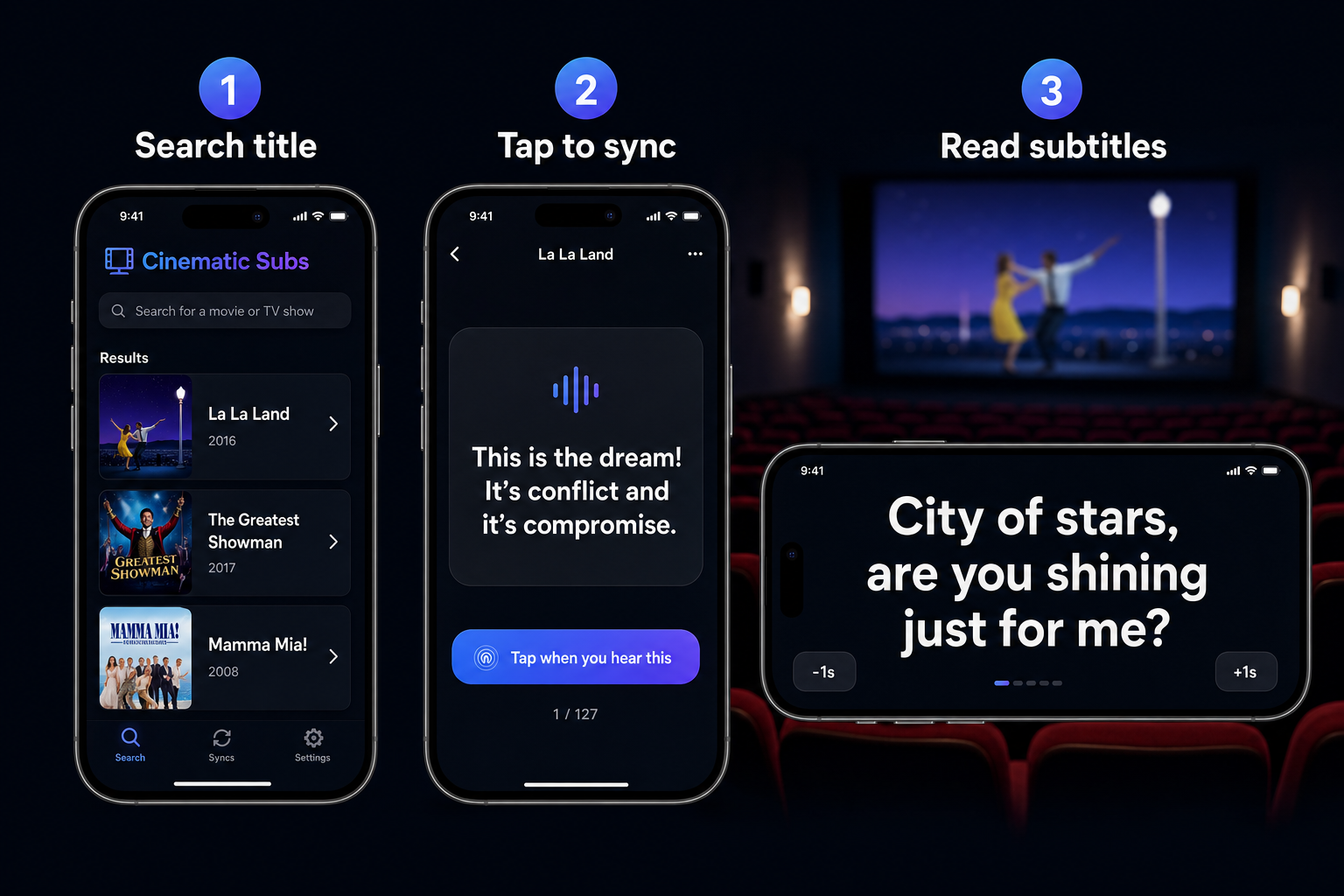
Yes. Search the movie, sync when you hear a line, and read subtitles on your phone. Helpful when the theater has no subs or only one language.
Yes. Start the title on Netflix (or Disney+, Prime Video, and similar) on your TV, search the same title here, tap to sync, and follow along on your phone.
No. Open pocketsubtitles.com in your phone browser. Nothing to download.
English, Italian, Spanish, French, German, Portuguese, Dutch, Polish, Japanese, Korean, and Simplified Chinese.
Find the current subtitle line